
Welcome to Track The Spraying — a community-driven platform dedicated to documenting and raising awareness about aerosol spraying operations happening across the globe. Whether you just spotted something suspicious in the sky or you want to browse reports submitted by others, this guide will walk you through every feature on the site.
1. Exploring the Map
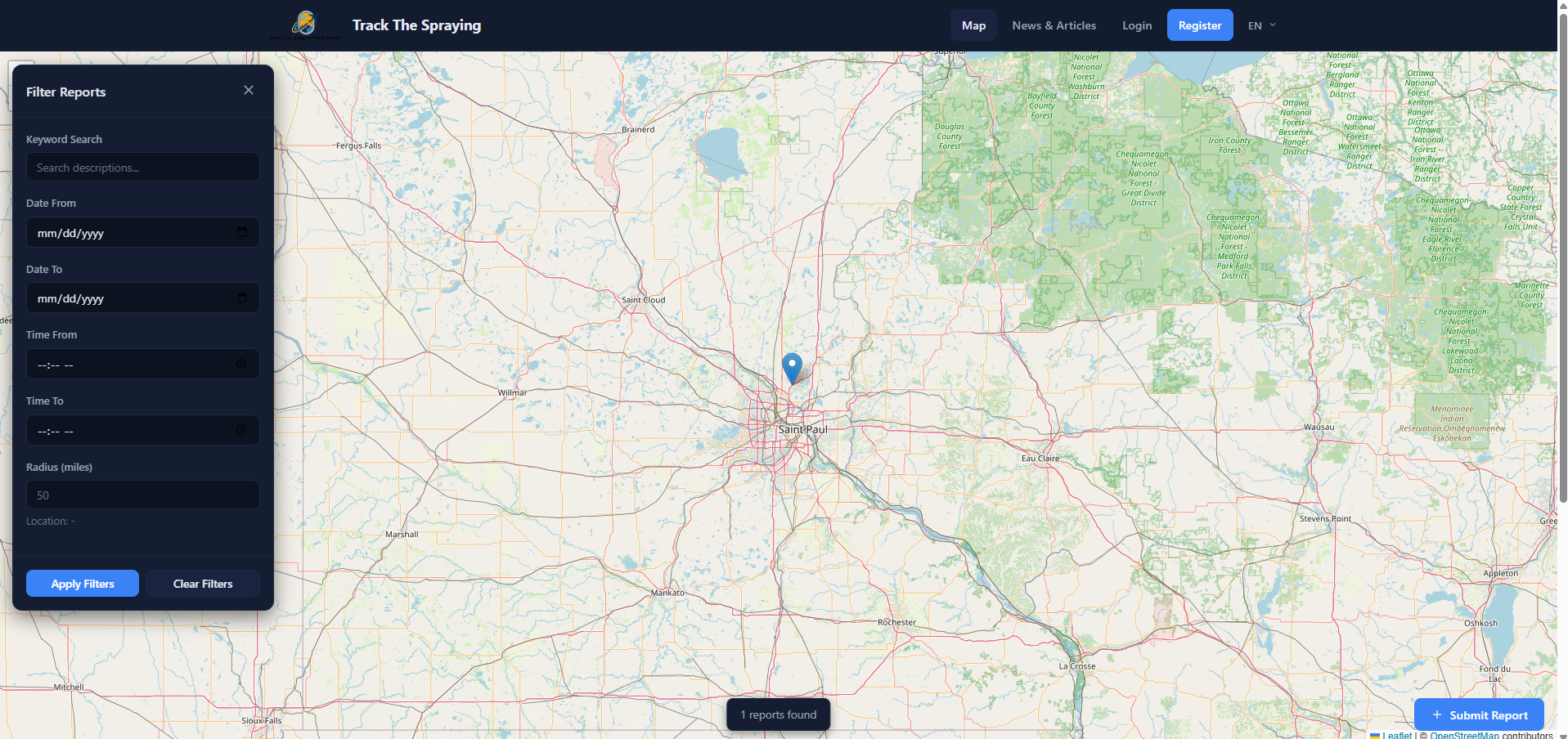
When you first visit trackthespraying.com, you'll land on the interactive sightings map. This is the heart of the platform — every blue pin on the map represents a spraying sighting reported by a community member.
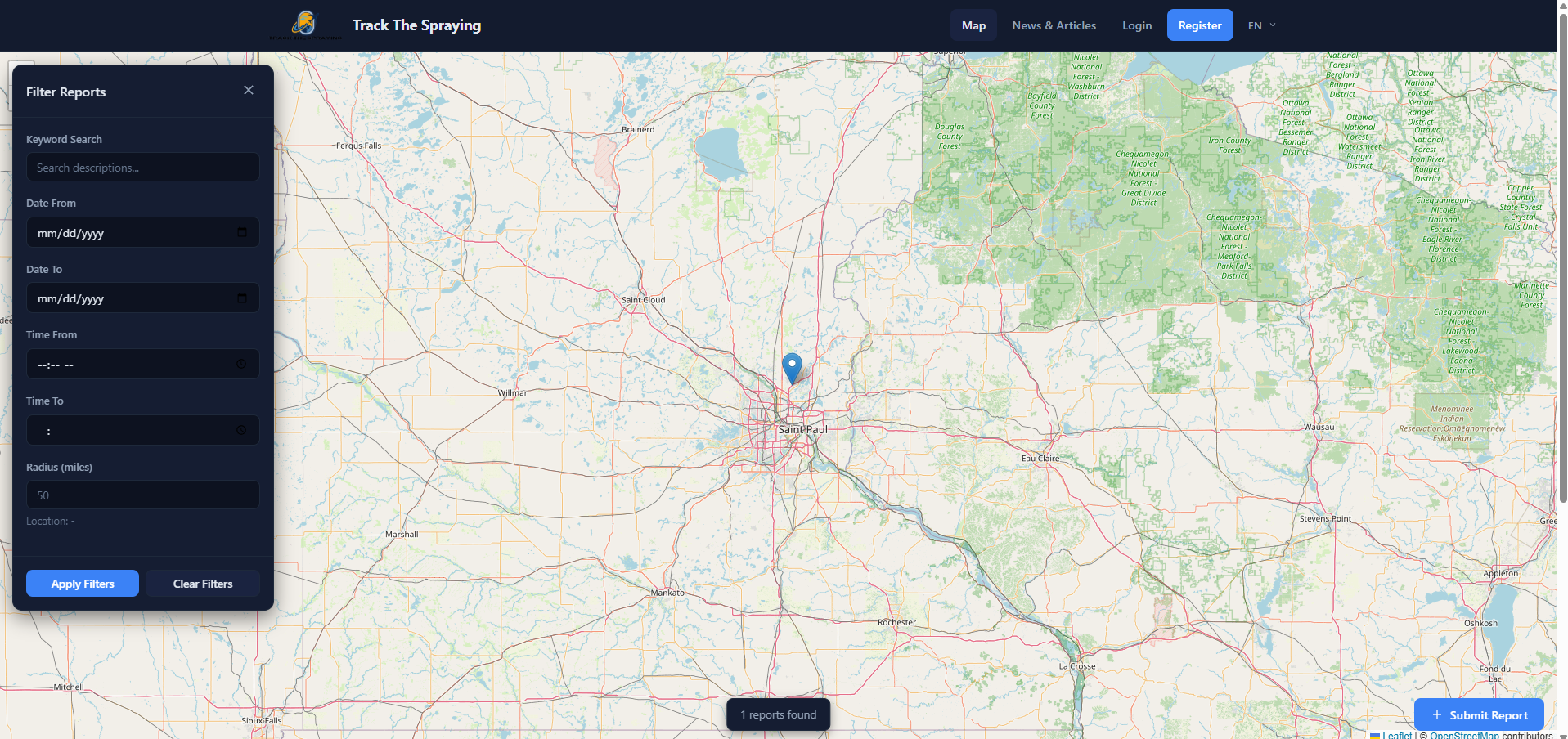
The homepage map view — pins mark reported sightings across the country.
Here's what you can do on the map:
- Pan and zoom — Click and drag to move around the map. Use your scroll wheel (or pinch on mobile) to zoom in and out.
- Click a pin — Tap any blue marker to see a quick preview of that sighting, including the photo, location name, date, time, and a short description.
- View Full Report — From the popup preview, click "View Full Report" to see the complete details, full-size photo, and exact location on a mini-map.
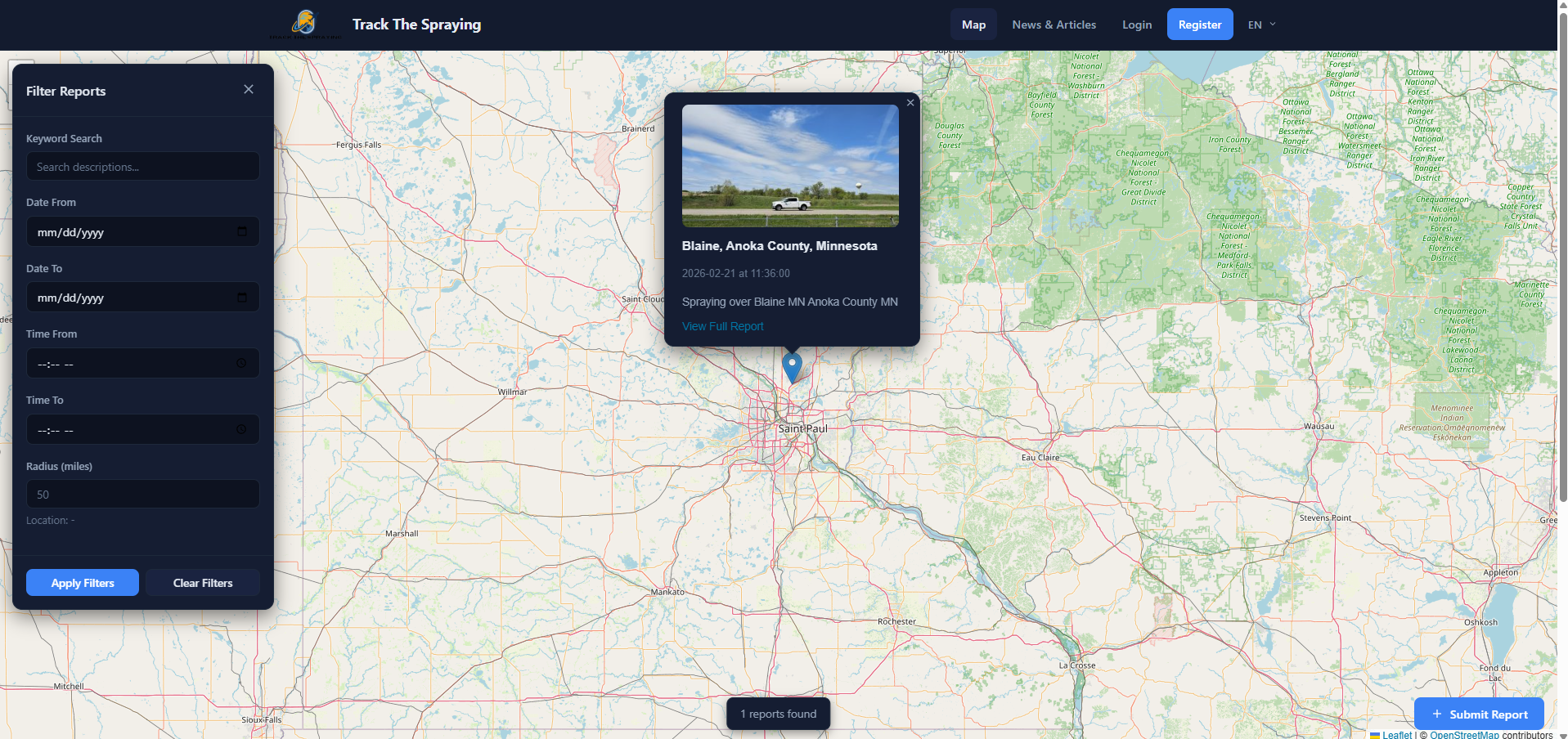
Click any pin to see a quick preview with the photo, location, and date.
At the bottom of the map you'll see a stats bar showing how many reports are currently displayed (e.g., "1 reports found"). On the right side, you'll find the blue "+ Submit Report" button — more on that below.
2. Creating an Account
Before you can submit a sighting report, you'll need to create a free account. Here's how:
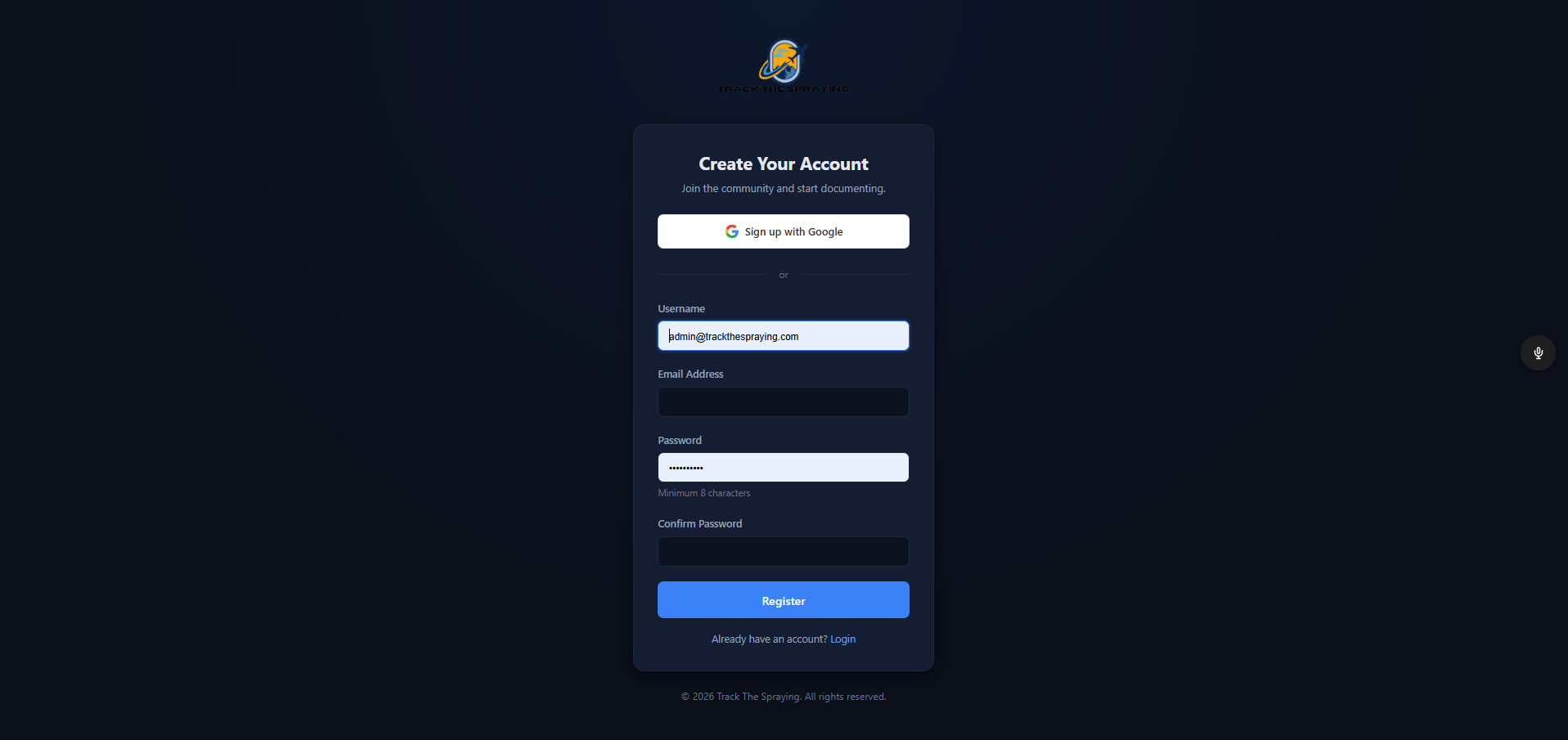
The registration page — create your free account in seconds.
- Click "Register" in the top navigation bar (or the Submit Report button if you're not logged in — it will take you to the registration page).
- Fill in your username, email address, and password.
- Or click "Sign up with Google" for one-click registration.
- Click "Register" and you're in! You'll be automatically logged in and redirected to the map.
Already have an account? Click "Login" in the top navigation bar and enter your email and password.
3. Submitting a Sighting Report
This is the most important feature of the site. If you witnessed spraying activity in your area, here's how to document it:
Step 1: Click "Submit Report"
You can find the Submit Report button in two places:
- The blue "Submit Report" button in the top navigation bar
- The blue "+ Submit Report" pill button on the right side of the map
Step 2: Set the Location
On the submission form, you'll see a large map at the top. Click anywhere on the map to drop a pin at the location where you observed the spraying. The latitude, longitude, and location name fields below the map will fill in automatically.
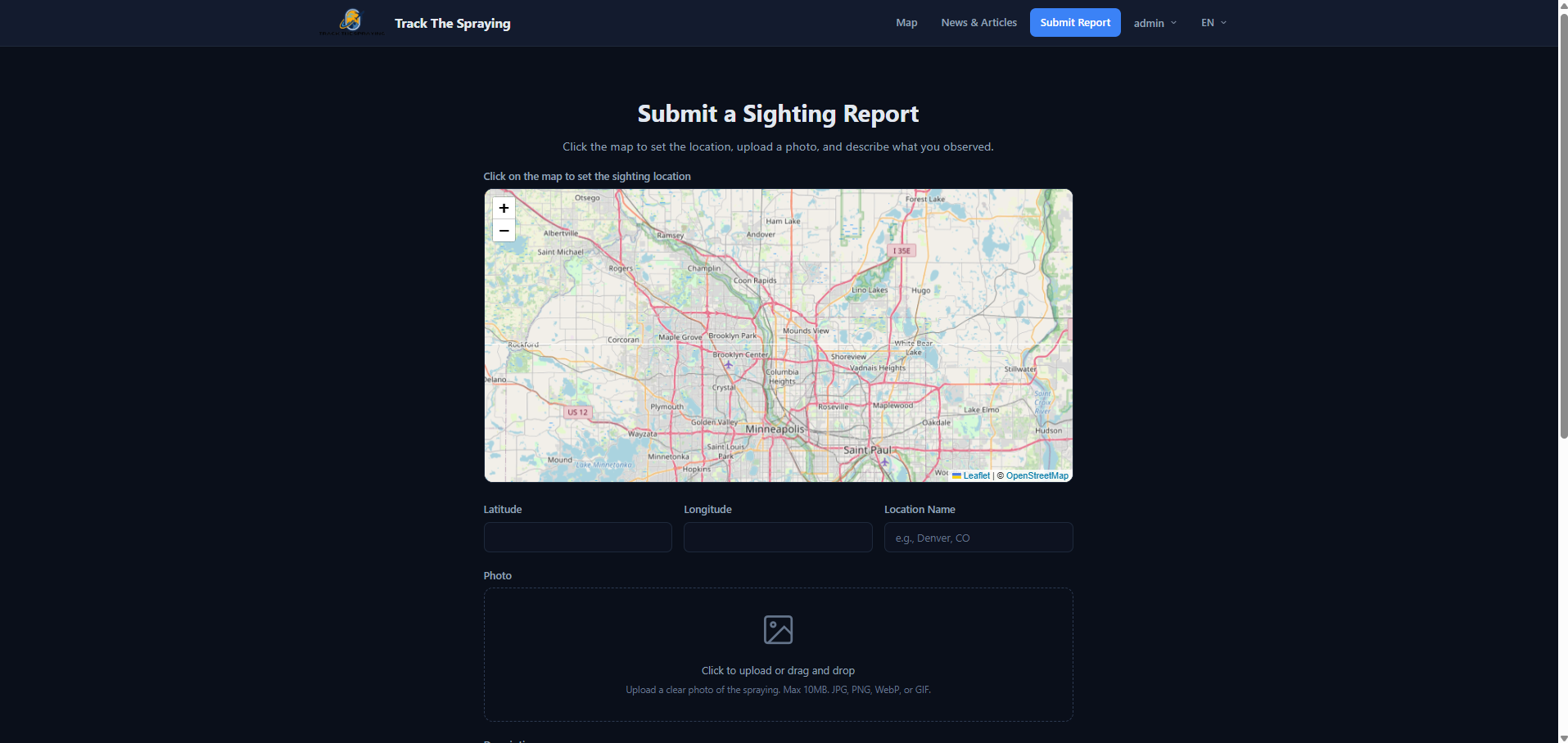
Click the map to set your location — the coordinates fill in automatically.
You can also manually type a location name (e.g., "Denver, CO") if you prefer.
Step 3: Upload a Photo
Click the dashed photo upload area (or drag and drop a file) to upload a clear photo of the spraying. We accept JPG, PNG, WebP, and GIF files up to 10MB.
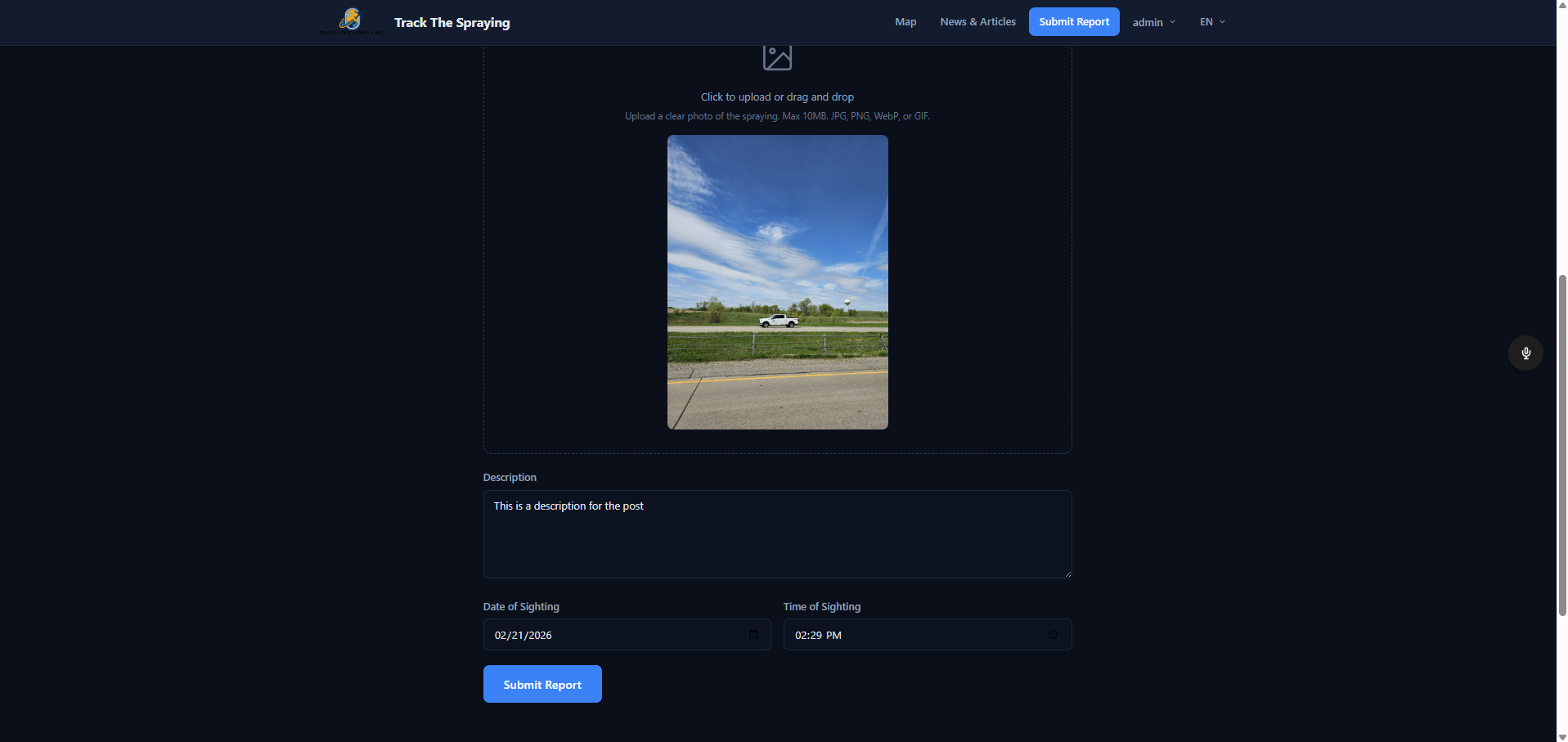
Upload a photo, describe what you saw, and set the date and time.
For best results:
- Take the photo in landscape orientation
- Try to capture the trails or patterns clearly against the sky
- Include landmarks if possible to help identify the location
Step 4: Write a Description
In the Description field, describe what you observed. Be as detailed as possible — include information like:
- How many trails you saw
- The direction they were moving
- How long they persisted in the sky
- Any unusual patterns (grid patterns, X shapes, parallel lines, etc.)
- Weather conditions at the time
Step 5: Set the Date and Time
The date and time fields default to right now, but you can change them if you're submitting a report for something you saw earlier. Accurate timing helps us track patterns.
Step 6: Submit
Click the blue "Submit Report" button at the bottom of the form. Your report will be added to the map for the entire community to see!
4. Using the Filter Tools
The map can get busy with lots of reports. Use the filter panel to narrow down what you see:
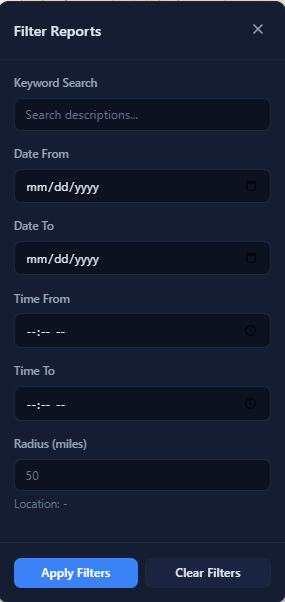
The filter panel lets you search by keyword, date, time, and location radius.
- Click the "Filter Reports" button in the top-left corner of the map.
- You can filter by:
- Keyword Search — Search report descriptions for specific terms
- Date Range — Set a "Date From" and "Date To" to see reports within a specific time period
- Time Range — Filter by time of day (useful for tracking morning vs. evening activity)
- Radius — Enter a distance in miles, then click on the map to set a center point. Only reports within that radius will appear.
- Click "Apply Filters" to update the map.
- Click "Clear Filters" to reset and see all reports again.
5. Viewing a Full Report
When you click on a map pin and then click "View Full Report", you'll see the complete sighting page:
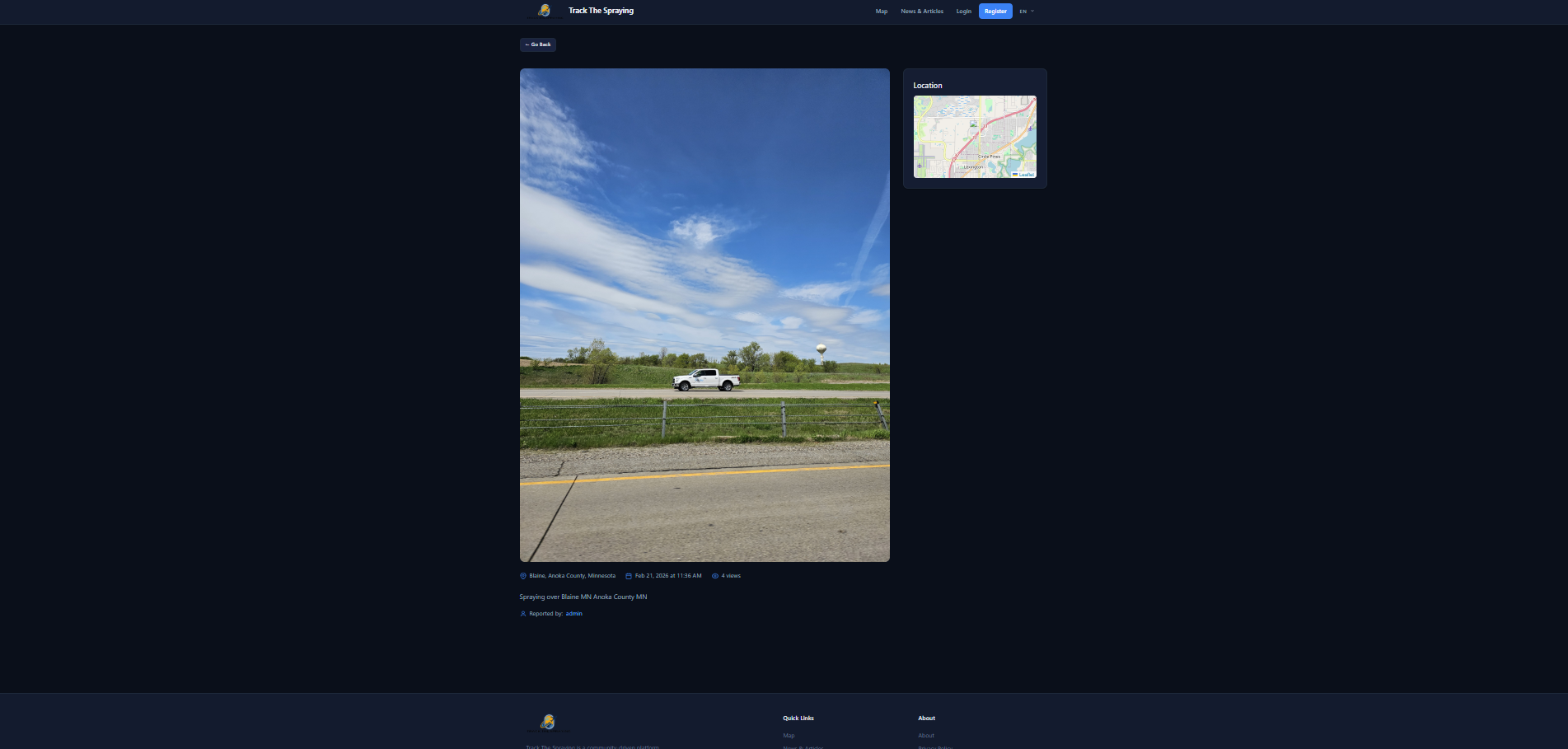
The full report page shows the photo at full size with a location mini-map.
- Full-size photo — The uploaded image at full resolution
- Location mini-map — A zoomed-in map showing exactly where the sighting occurred
- Location name — The city, county, and state
- Date and time — When the sighting was observed
- Description — The reporter's full written account
- Reporter name — Who submitted the report
If it's your own report, you'll also see "Edit Report" and "Delete Report" buttons so you can update or remove your submission.
6. Managing Your Profile
Click your username in the top-right corner of the navigation bar to access a dropdown menu with your profile options:
- My Profile — View and edit your profile information, update your username, change your password, or upload a profile photo.
- Admin Panel — (Admins only) Access the site administration dashboard.
- Logout — Sign out of your account.
7. Browsing News & Articles
Click "News & Articles" in the top navigation bar to visit our blog. Here you'll find articles about spraying patterns, community updates, guides like this one, and news coverage of aerosol activity around the world. You can also leave comments on articles to join the discussion.
8. Changing the Language
Track The Spraying is available in five languages. Click the language dropdown ("EN") in the top-right corner of the navigation bar and select your preferred language:
- English (EN)
- Español (ES)
- Français (FR)
- Deutsch (DE)
- Português (PT)
9. Tips for Best Results
To make the most of Track The Spraying and help build the most accurate record possible:
- Submit reports as soon as possible — The sooner you document what you saw, the more accurate the date, time, and details will be.
- Take clear photos — Try to get a wide shot of the sky. Include the horizon or buildings for reference.
- Be specific in descriptions — Instead of "saw spraying", describe the patterns, number of trails, aircraft direction, and how long trails persisted.
- Use accurate locations — Click precisely on the map where you were standing when you observed the activity.
- Check back often — Browse the map regularly to see what others are reporting in your area and around the world.
Join the Community
Every report matters. By documenting what you see, you're contributing to a growing worldwide record of aerosol spraying activity. Together, we can raise awareness and demand transparency.
Ready to get started? Create your free account and submit your first report today.
Comments (0)
Please log in to comment. Login